
No products in the cart.
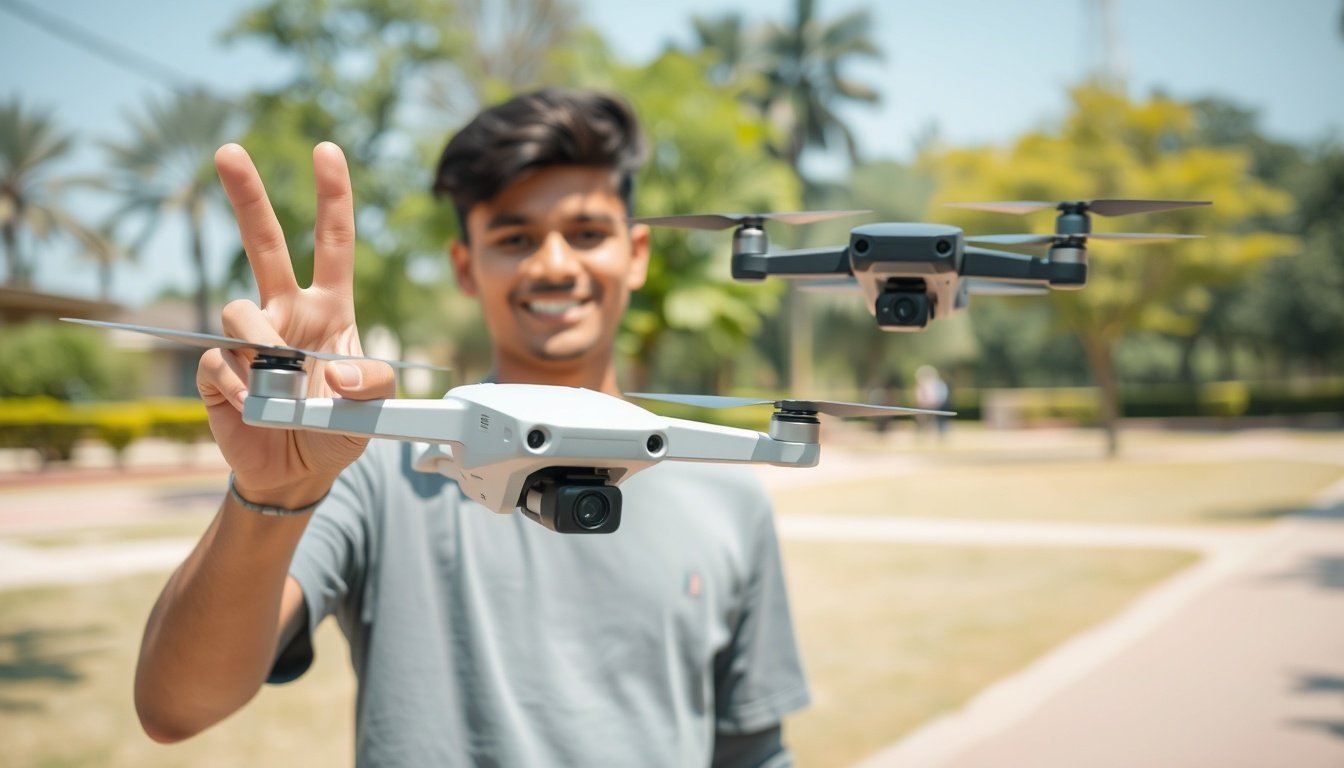
Control with a Wave: A Guide to Drones with Gesture Control
Introduction
Imagine this. You launch your drone. Next, you take a photo without touching a remote. This is the magic of drones with gesture control. These incredible drone gesture control features use smart technology to understand your hand movements. Are you a new pilot? Or do you want an easy way to get photos? These gesture control drones & drone photography with gestures are a game-changer. This guide will show you exactly how to use gesture control on a drone & drone technology for beginners. We will also explore **drone technology for beginners**. We will discuss the benefits and show you some of the best models. These models make drone flying without remote a real thing. Get ready to fly in a whole new way!
—
How Does Drone Gesture Control Actually Work?
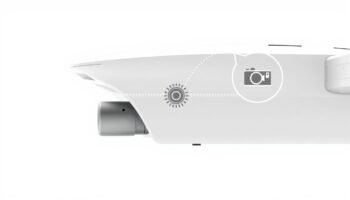
It might seem like magic. In fact, the technology behind drone hand gestures is both clever and simple. Most drones with gesture control use a front camera and smart software. The camera acts as its “eyes.” For example, it constantly looks for specific, pre-programmed shapes. When you make a peace sign, the drone sees that pattern. It then uses AI to turn that visual cue into a command. This process of controlling a drone without remote makes the experience so smooth. This core drone gesture control feature is what sets these models apart.
—
Why You’ll Love Flying with Gestures
Gesture control is not just a toy. It offers real benefits that enhance the flying experience, especially for photographers and beginners.
- It’s Super Intuitive: A standard controller can feel hard to use for new pilots. However, controlling your gesture control drone with natural hand motions is much easier and less stressful. This intuitive drone control method is a key benefit.
- Perfect for Hands-Free Content: This is a big plus for vloggers and solo travelers. For instance, you can easily be the star of your own aerial video. You can also get a perfect group selfie drone shot without needing someone else to fly. This ability for hands-free drone flying is amazing.
- Added Safety Feature: Some advanced models let you use a specific gesture, like an “X,” as an emergency stop. This gives you a fast backup if the drone gets too close to an object. As a result, it adds to the safety of drones with gesture control.
For more tips on capturing amazing footage, check out our guide on capturing cinematic shots with a budget drone.
Exploring Top Drones with Gesture Control
From affordable starters to pro models, gesture tech is easy to find. Here are some of the best drones with gesture control you can get today.
For the Beginner: M3 Y3 MAX Drone
This model is a great example of an affordable gesture control drone that has many features. The M3 Y3 MAX comes with brushless motors for stability. It also has a 4K camera and infrared obstacle avoidance. Its drone hand gestures are perfect for photography. You can tell the drone to take a picture or record video with a simple wave. It’s an excellent way to start hands-free drone flying. It helps you learn **how to use gesture control on a drone**.
For the Enthusiast: JS39P 4K Brushless Gimbal Camera Drone
For those ready to step up, the JS39P offers a more professional feel. It boasts a large 9-inch display remote. The drone also has a gimbal for smooth video. Furthermore, it has smart obstacle avoidance. Its **gesture control** system is very fast. This makes it perfect for precise drone photography with gestures. This model shows how advanced **drone gesture control features** can be added to a high-end flyer.
For the Ultimate Experience: K19 Max GPS 4K 5G Camera Drone
This drone is a top model. It has three 4K gimbal cameras. A great 3km range is another key feature. It also has live video. Its **gesture control** system allows for complex commands. This makes it feel truly futuristic. It is the perfect tool for anyone serious about creating pro-level content. It gives you the ease of **intuitive drone control**. Without a doubt, it is one of the best drones with gesture control on the market.
—
Mastering the Moves: Common Gesture Commands

Commands can vary by model. Still, most drones with gesture control understand the same basic actions. These are made to be simple and easy to see.
- Palm Show: Hold your palm flat towards the drone’s camera. This tells it to stop and hover.
- Victory Sign / Peace Sign: Make a “V” with your fingers. This tells the drone to take a photo.
- Frame It Up: Use your hands to form a box in the air. This tells the drone to start recording a video.
- Follow Me: A waving motion can start a “Follow Me” mode. The drone will then follow and film you as you move.
Learning these drone hand gestures is key to using a drone flying without remote fully for photos and videos. For more on other beginner-friendly features, our list of the best drones under ₹8000 is a great resource.
—
Setting Realistic Expectations
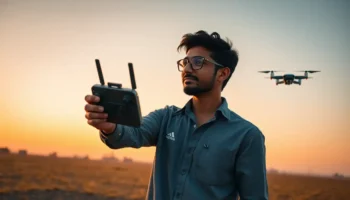
Gesture control is great. However, it has limits. It works best in bright light. The drone’s camera needs to see your hands clearly. It is for a few specific commands, not for full, complex flight control. For hard moves, you still need the physical remote. So, think of it as a brilliant tool for specific moments. It is not a complete replacement for a normal controller. This is a key point to understand for anyone buying an **affordable gesture control drone**. Mastering this balance is key to great drone portrait photography.
—
Ready to Command the Skies with Your Hands?
Drones with gesture control are fun and powerful. They help you capture your world from above. You can choose an affordable gesture control drone. Or you can get a more advanced flyer. This drone gesture control feature opens up new creative ideas for all pilots. Ready to try **hands-free drone flying** for yourself? Explore our full range of gesture control drones on the Flexnova Drones Showcase. Find the perfect model. Then, start your adventures with a simple wave of your hand!
—
FAQs on Drones with Gesture Control
How accurate is drone gesture control?
Accuracy is usually very good for its uses. This includes photos, video, and follow-me mode. It needs good light. It also needs a clear view of your hands. More expensive **drones with gesture control** usually have a better system.
Can I fly a drone entirely with gestures?
No, not yet on consumer models. **Gesture control** is for specific commands. For example, it helps you take photos or start video. For full control (forward, backward, left, right), you still need the remote. The remote is the most reliable tool for safe flight.
What is the best affordable drone with gesture control?
Many models offer great value. **Drones with gesture control** like the **M3 Y3 MAX** provide strong gesture features. They have a good camera and other features for new users. This makes them a top choice for people new to the tech.
Do all drones have gesture control?
No. It is still a premium feature, but it is getting more common. You usually find it on models for selfies, vlogging, and beginners. Always check the product specs to see if **gesture control** is included.
Is it safe to rely on gesture commands?
Gesture commands are safe for their functions. But you should always be ready to take over with the remote. Keep your **gesture control drone** in sight. Be aware of your surroundings. The remote is your primary and most reliable tool for safe flight.
EXTERNAL_REFERENCES
- https://gaotek.com/faq-gesture-control-drones/ (GAO Tek Inc.)

Related posts
Introduction : Take Amazing Photos from the Sky Do you want to take beautiful pictures from the air? You can. In fact, you do not...
Introduction : Finding the Perfect First Drone for Your Child in India Is your child fascinated by things that fly? Choosing the right drone for...

Introduction Capturing India’s amazing landscapes from the sky is a dream for many travelers. But is carrying heavy gear worth it? This is where foldable...
Introduction Getting your first taste of flight doesn’t have to be expensive. The market is full of options, but finding a great camera drone under...
Introduction Stepping into the world of drones, one of the biggest questions you’ll face is whether to invest in a GPS model. This GPS drone...
Add comment
You must be logged in to post a comment.